December is when software contracts quietly renew themselves
A lot of software contracts are signed in the last few weeks of the year. Sales teams are chasing year-end targets, and buyers are using up budget before it disappears. Twelve months later, those same contracts come up for renewal at exactly the wrong time.
Your team is closing the books, planning next year’s budget and taking leave. Nobody is watching the notice deadlines. So the contracts roll over for another year at whatever price the vendor has set.
You don’t need a big project to stop this. You need a short checklist and a couple of hours with each tool owner before the holidays.
Use this checklist if:
- You have software contracts renewing between now and the end of Q1 2027
- You’re setting the 2027 software budget and want real numbers to start from
- You’ve been caught by an auto-renewal before and don’t want a repeat
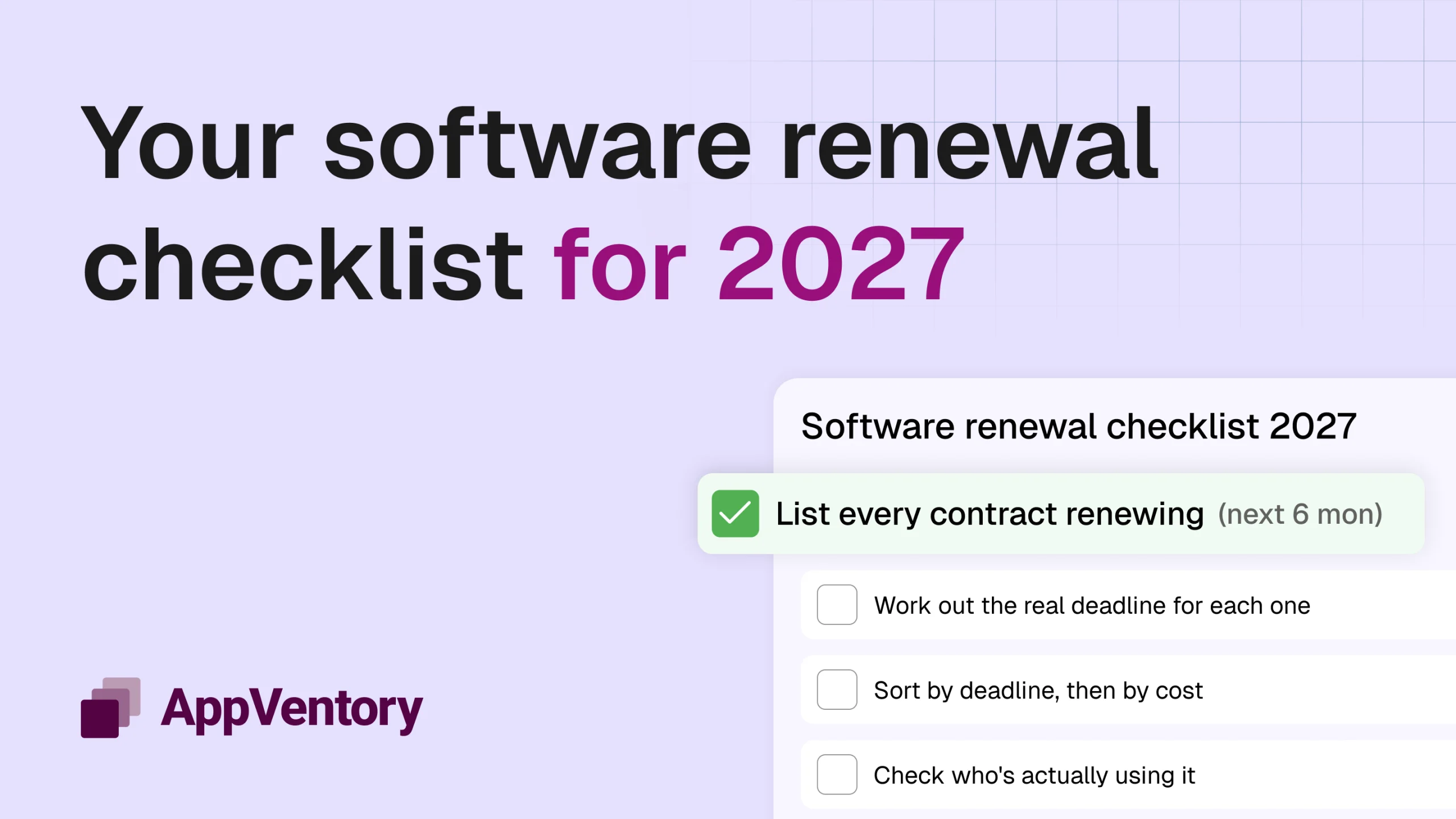
The 2027 software renewal checklist
Work through these eight steps in order. The first three take an afternoon. The rest happen tool by tool, starting with whatever renews soonest.
1. List every contract renewing in the next six months
Pull renewal dates from contracts, vendor billing pages and your accounting software. Six months is the right window. It covers year-end renewals and gives you room for tools with 60 or 90-day notice periods.
If you don’t have a full list of your software yet, start with the software audit first.
2. Work out the real deadline for each one
The renewal date isn’t your deadline. The notice date is. Subtract the notice period from the renewal date and put that date in your calendar.
A tool renewing on 1 January with a 60-day notice period needs a decision by early November. For many companies reading this, some of those deadlines are already close.
3. Sort by deadline, then by cost
Start with whatever has the nearest notice date. Within that, tackle the most expensive contracts first. That’s where an hour of review saves the most money.
4. Check who’s actually using it
Pull active-user data from the admin console or your SSO logs for the last 90 days. Compare it with the seats you pay for. Look for:
- People who have left the company but still hold a licence
- Seats that haven’t been used in three months
- Teams that tried the tool and quietly moved on
5. Ask the owner if it’s still the right tool
A five-minute conversation with the person who owns each tool answers most questions. Is the team still using it every week? Has another tool you already pay for started doing the same job? Do they need every feature on the current plan?
6. Look for price increases
Vendors often change pricing at renewal. Compare the renewal quote with what you paid this year, per seat and in total. Check the contract for clauses that let the vendor raise prices by a set percentage each year.
AI features deserve a separate look. Many vendors are now bundling AI add-ons into higher tiers or charging for them by usage. Make sure you’re not paying for AI features nobody turned on.
7. Decide: renew, right-size, switch or cancel
| Decision | When it fits |
| Renew as is | Fully used, fairly priced, still the right tool |
| Right-size | Still needed, but fewer seats or a lower plan would do |
| Renegotiate | Still needed, but the price has gone up or you’re buying more |
| Switch | Another tool does the job better or is already in your stack |
| Cancel | Unused or no longer needed |
Put each decision in writing, with the owner’s name next to it.
8. Send the notice in writing, and keep the proof
If you’re cancelling or downgrading, follow the contract’s notice process exactly. Some vendors require email to a specific address. Others need a form in their portal. Save the confirmation. Turn off auto-renew wherever the vendor lets you, even for tools you plan to keep. It forces a conscious decision next year.
Five ways to negotiate a better renewal
Year-end works in your favour here. Vendors want to close deals before their own year ends, so you often have more leverage in December than at any other time.
- Start early. Open the conversation at least 30 days before the notice date. A vendor who knows you’ll auto-renew has no reason to move on price.
- Bring the usage data. “We’re paying for 80 seats and 52 people logged in last quarter” is much stronger than “this feels expensive”.
- Ask for a cap on future increases. If you’re signing a multi-year deal, ask for a fixed limit on annual price rises in the contract.
- Trade commitment for price, carefully. A longer term can bring a discount, but only commit for longer if you’re confident you’ll still need the tool.
- Get a quote from an alternative. Even if you don’t plan to switch, a real competing quote changes the conversation.
Make 2027 the year renewals stop catching you out
This checklist gets you through year-end. Renewals don’t stop in January, though. If your list lives in a spreadsheet, it starts going stale the moment someone signs up for a new tool.
AppVentory keeps every software and AI contract in one place, with the owner, usage, cost and renewal date side by side. It flags renewals before the notice deadline, so you can decide with the data in front of you instead of finding the charge on next month’s statement.
Book a demo to see every renewal coming up in 2027.
Software renewal FAQs
When should you start reviewing a software renewal?
At least 30 days before the notice deadline, not the renewal date. For a contract with a 90-day notice period, that means starting four months before it renews.
What is an auto-renewal clause?
An auto-renewal clause means the contract renews for another term unless you cancel within the notice period. Most SaaS contracts include one. Missing the notice date usually locks you in for another full term.
What should a software renewal checklist include?
The renewal date, notice deadline, current cost, renewal quote, seats paid versus seats used, the tool owner, any overlapping tools, and a final decision to renew, right-size, renegotiate, switch or cancel.
Can you negotiate a SaaS renewal?
Yes. Usage data, a competing quote and timing your talks near the vendor’s quarter-end or year-end all improve your position. Ask for seat reductions, a lower tier or a cap on future price increases.
How do you keep track of software renewals?
Keep one list of every contract with its renewal and notice dates, and set reminders well before each deadline. Software spend management tools like AppVentory do this automatically and alert the owner ahead of time.