Your firm is probably paying for software your clients use
It usually starts with good intentions. A new client needs a receipt capture app, so you set it up under the firm’s account to save time. Another needs payroll software, and it’s easier to add them to your partner plan. A year later, you’re paying for dozens of client subscriptions on the firm’s card.
Some of those costs get billed back. Some get folded into the monthly fee. And some just sit on your P&L because nobody remembered whose app it was.
None of this is a disaster on its own. But across a whole client base, the leakage adds up, and it comes straight out of margin.
This guide shows how to recharge client software costs properly: what to track, how to price it and how to invoice it without annoying clients.
Where the margin leaks
Most firms don’t lose money on software recharges because of pricing. They lose it on tracking. The five usual gaps:
- Unbilled subscriptions. The app is on the firm’s card, but it never made it onto the client’s invoice.
- Price increases you absorb. The vendor raises prices, and you keep billing the client last year’s amount.
- Seat creep. The client adds two users mid-year. You pay for them, and the recharge doesn’t change.
- Lost clients, live subscriptions. A client leaves, but their apps keep renewing on your account.
- Admin time nobody bills. Someone spends hours each month matching card charges to clients. That’s real cost, and it rarely shows up anywhere.
Fix the tracking and most of the margin problem goes away.
How to set up a recharge process in five steps
1. Map every app to a client
Go through 12 months of card and supplier statements. For every software charge, record the vendor, amount, billing frequency and which client it’s for. Some apps are firm-wide tools, such as your own practice management software. Mark those as “firm” so they don’t get mixed in.
Where one subscription covers several clients, such as a partner plan billed per client file, note how the cost splits.
2. Decide who should own the subscription
Not every app should stay on your account. As a rule of thumb:
- Keep it on the firm’s account if you manage the client’s books in it day to day and need control of access
- Move it to the client’s account if the client is the main user, or if the cost is large and variable
Moving the bigger, client-driven subscriptions across takes the risk off your books entirely.
3. Pick a pricing model and write it down
Choose how you’ll charge (see the next section) and put it in your engagement letter. Clients rarely object to recharges they agreed to upfront. They do object to surprise line items.
4. Invoice on a fixed rhythm
Recharge monthly or quarterly, on the same invoice as your fees. Show each app as its own line with the period it covers. Clear invoices mean fewer queries.
5. Review at every price change and client change
Set a trigger to update recharges whenever a vendor changes its price, a client adds or removes users, or a client leaves. When a client offboards, cancel or transfer their subscriptions in the same week.
A note on VAT and sales tax. How you recharge can change the tax treatment. In the UK, for example, a recharge is usually treated as part of your service for VAT, while a true disbursement may not be. Rules differ by country and state, so confirm your approach with a tax specialist.
Three ways to price software recharges
There’s no single right answer. The best model depends on how much admin each app creates and how your clients prefer to be billed.
| Model | How it works | Works best when | Watch out for |
| Pass-through at cost | Bill the exact vendor price | Big-ticket apps, clients who scrutinise invoices | You absorb the admin time and any price rises between invoices |
| Cost plus a markup | Add a set percentage or fixed fee on top | You set up, support and manage the app for the client | Markups must be agreed upfront and in writing |
| Bundled into a package | Include the app stack in a fixed monthly fee | Standardised packages, such as bookkeeping plus payroll | Review the package price whenever vendor prices change |
Many firms mix models: pass-through for large or optional apps, and a bundle for the core stack every client gets. Whichever you choose, the margin comes from charging for the work around the software, not from the software itself.
From cost recovery to advisory revenue
Once you can see every app each client uses and what it costs, recharging is only the start. You can also spot clients paying for two tools that do the same job, apps nobody has opened in months, or plans that no longer fit. That’s a ready-made advisory conversation, and one clients are usually glad to have.
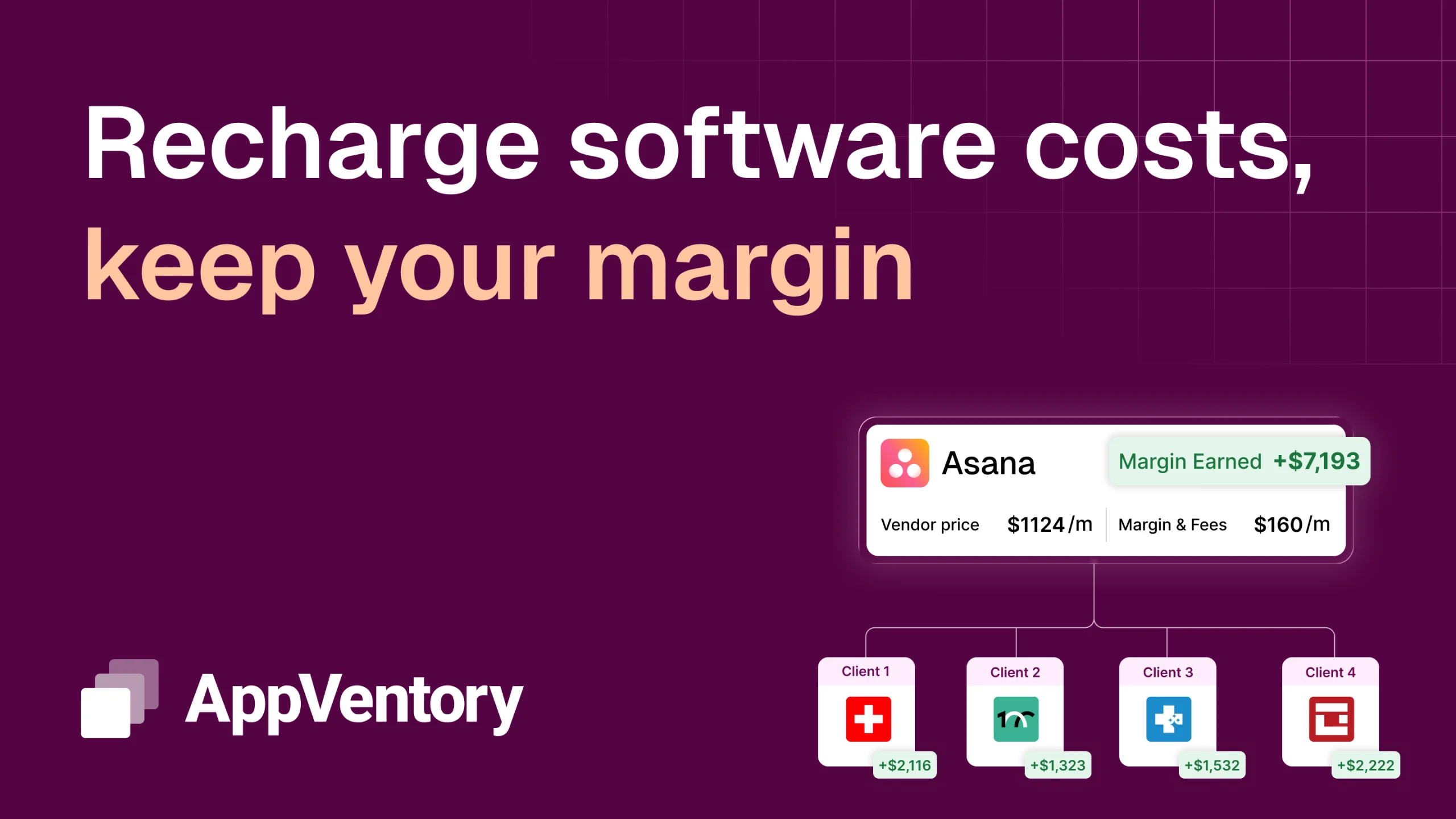
AppVentory’s Recharge feature is built for this. It maps every app to the right client, tracks cost and usage as they change, and shows exactly what to recharge each period. That means no more matching card charges by hand, and no more subscriptions quietly sitting on your P&L.
Book a demo to see how Recharge works for your firm.
Recharging client software: FAQs
Can accountants charge clients for software?
Yes. Many firms recharge clients for the apps they use, either at cost, with a markup or as part of a package. The key is to agree the approach in your engagement letter before you start billing.
Should I add a markup to client software costs?
A markup is reasonable when you set up, manage or support the app for the client. Keep it transparent and agreed upfront. If you don’t add value beyond paying the bill, pass-through at cost is usually cleaner.
What’s the difference between a disbursement and a recharge?
A disbursement is a cost you pay purely on the client’s behalf, as their agent. A recharge is a cost you incur in delivering your own service and then bill on. The difference can affect VAT or sales tax, so check the rules where you operate.
Should client software be on the firm’s account or the client’s?
Keep it on the firm’s account when you need control to do the work. Move it to the client’s account when they’re the main user or the cost is large and variable. That way, you’re not carrying the risk.
How do I stop paying for software after a client leaves?
Add software to your offboarding checklist. Cancel or transfer every subscription linked to that client in the same week they leave, and check the next statement to confirm the charges have stopped.