Most software audits never finish. Here’s one that does
Someone in finance spots a card charge they don’t recognise. Someone in IT finds out the design team has been paying for a second whiteboard tool for a year. Then the CFO asks a simple question: “How much do we actually spend on software?” Nobody can answer it with confidence.
So a software audit goes on the to-do list. And it stays there.
The reason is rarely effort. It’s scope. A software audit sounds like a quarter-long project with a consultant and a 40-tab spreadsheet. It doesn’t have to be. If you keep the goal narrow (know what you have, what it costs, who uses it, and what to do about it), you can get a usable answer in five working days.
This guide walks you through that week, one day at a time. It works whether you’re a 30-person startup or a finance team cleaning up after an acquisition.
What you’ll have by Friday:
- A single list of every paid app and AI tool in the business
- The cost, owner, renewal date and contract terms for each
- Usage data showing which licences are sitting idle
- A shortlist of tools to cancel, downgrade, consolidate or review for security
- A renewal calendar for the next 12 months
Before Monday: get three things ready
An audit week goes off the rails when you spend Wednesday chasing access to the expense system. Sort these out the Friday before.
1. Pick one owner. One person runs the audit and makes the calls on what counts. It’s usually someone in finance or operations. A committee will not finish in a week.
2. Get read access to the money. You’ll need 12 months of data from:
- Accounts payable and your accounting software (Xero, QuickBooks, NetSuite or similar)
- Company credit cards and expense reports
- Your SSO or identity provider (Google Workspace, Microsoft Entra ID, Okta)
3. Tell team leads it’s happening. A short message works: “We’re reviewing our software this week. You might get a quick question about the tools your team uses. Nobody is in trouble.” That last line matters. People hide tools when they think an audit is a hunt.
One more decision before you start: agree on what “software” means for this audit. We’d include every SaaS subscription, desktop licence, AI tool and API account the business pays for, including the ones paid on a personal card and expensed.
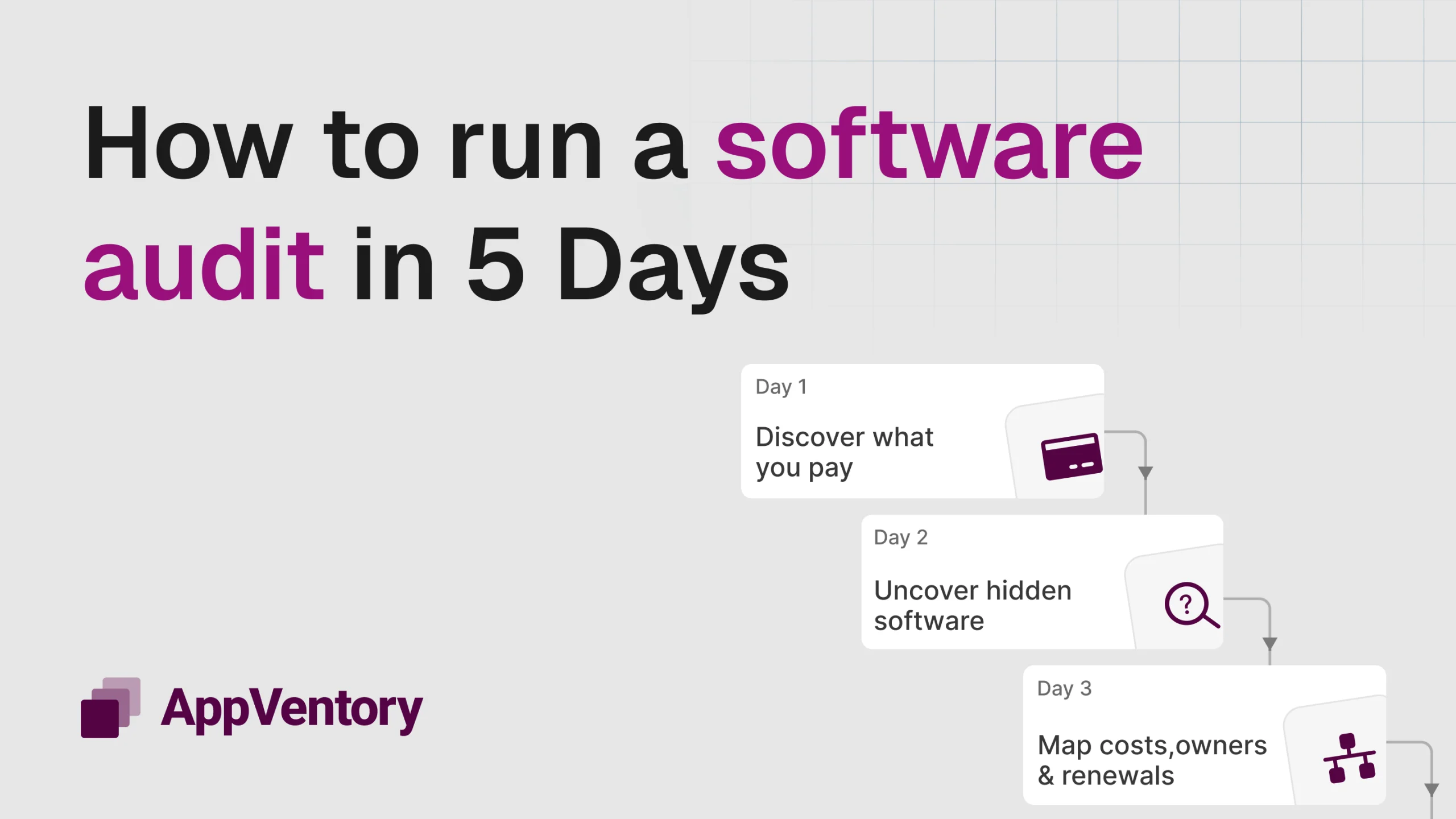
The five-day software audit plan
| Day | Focus | Output |
| Monday | Find everything you pay for | Master list of apps and vendors |
| Tuesday | Find what you don’t pay for (yet) | Shadow IT and AI tools added |
| Wednesday | Add costs, owners and contracts | Renewal dates and terms per app |
| Thursday | Check who actually uses it | Idle licences and overlaps flagged |
| Friday | Decide and act | Action list and renewal calendar |
Monday: follow the money
Start with spend, not with people. Memory is unreliable. Invoices aren’t.
Export 12 months of transactions from accounts payable, card statements and expense reports. Filter for software vendors and put every one into a single sheet: vendor, product, amount, billing frequency and payment method.
You’ll hit a few annoyances straight away. The same tool appears under three names (“ATLASSIAN”, “Atlassian Pty”, “JIRA*SOFTWARE”). Annual charges hide from anyone looking at the last three months. App store charges show up as “APPLE.COM/BILL” with no detail. Clean these up as you go. Merge duplicates and mark anything unclear with a question mark rather than stalling on it.
By the end of the day you should have one row per tool. Expect the list to be longer than anyone guessed.
Tuesday: find the tools nobody told you about
Monday catches what goes through finance. Tuesday catches what doesn’t.
Check your SSO or identity provider for every third-party app employees have signed into with their work account. In Google Workspace and Microsoft 365, this includes apps people connected themselves with OAuth, which often have access to email, files or calendars.
Then look for AI tools specifically. They spread faster than any category before them, and many start on a free tier or a personal card. Look for chat assistants, meeting note-takers, writing tools, coding assistants and API accounts with usage-based billing. Usage-based billing deserves extra attention because the bill can grow every month without anyone signing a new contract.
Finally, send a two-question survey to team leads: “What tools does your team use every week?” and “Is there anything you pay for yourselves?” You’ll catch a handful of extras.
Wednesday: add costs, owners and contract terms
Now fill in the columns that turn a list into something you can act on. For each tool, record:
- Annual cost, normalised so monthly and annual plans compare fairly
- Business owner, the person who decides whether it stays
- Licences or seats paid for
- Renewal date and whether it auto-renews
- Notice period for cancellation (30, 60 or 90 days is common, and it’s easy to miss)
- Data sensitivity, a simple low, medium or high for what the tool can access
Contracts live in odd places: inboxes, shared drives, vendor portals. If you can’t find one today, log in to the vendor’s billing page. It usually shows the plan, seats and next renewal.
The notice period column is where audits pay for themselves. Plenty of tools get renewed for another year simply because nobody remembered to cancel 60 days ahead.
Thursday: check who actually uses it
Paid seats and active users are rarely the same number. Today you find the gap.
Pull last-login or activity data from each tool’s admin console, or from your SSO logs. For each app, compare seats paid with people active in the last 30 to 90 days. Then flag three patterns:
- Idle licences: seats assigned to people who haven’t logged in, including people who’ve left the company.
- Overlaps: two or more tools doing the same job. Common pairs are video calls, project management, file storage, password managers and AI assistants.
- Wrong plan: paying for an enterprise tier when the team only uses basic features.
Don’t decide anything yet. Just mark each row so Friday goes quickly.
Friday: decide, act and set the calendar
Go through the list with each business owner and put every tool into one of five buckets:
| Decision | When it applies |
| Keep | Used, needed and on the right plan |
| Right-size | Needed, but too many seats or the wrong tier |
| Consolidate | Overlaps with another tool you already pay for |
| Cancel | Unused, or used by one person who has an alternative |
| Review for risk | Holds sensitive data without proper approval, or the vendor’s security posture is unknown |
Then act on the easy wins the same day. Remove idle seats, cancel the clear duds and turn off auto-renew where the notice period is close.
Last step: build a renewal calendar for the next 12 months. Set a reminder for each tool at least two weeks before its notice deadline, assigned to the business owner. This one step stops next year’s audit from starting at zero.
The real problem: audits go stale in weeks
Here’s the uncomfortable part. The spreadsheet you finish on Friday starts going out of date on Monday. Someone signs up for a new AI tool. A contractor leaves with three seats still assigned. A vendor quietly raises prices at renewal.
That’s why many companies end up running the same audit every year, from scratch, and finding the same problems.
The fix is to stop treating the audit as an event. Keep the list live:
- New tools get added when they’re bought, not discovered a year later
- Usage is tracked continuously, so idle seats show up within weeks
- Renewals trigger a review, with the owner, usage and cost in front of you before the notice period closes
- AI spend is watched separately, because usage-based pricing can change month to month
Skip the spreadsheet next time
AppVentory does the Monday-to-Thursday work for you, and keeps doing it. It connects to your accounting and identity systems to find every app and AI tool you pay for, maps each one to an owner, shows real usage and flags renewals before the deadline. Friday’s decisions stay with you. The busywork doesn’t.
Book a demo to see your own software and AI stack in one place.
Software audit FAQs
What is a software audit?
A software audit is a review of every application and AI tool a business pays for. It checks what each one costs, who owns it, who uses it and whether it’s still needed. The goal is to cut waste, reduce security risk and prepare for renewals.
How often should you run a software audit?
Run a full audit once a year at minimum. Review individual tools before each renewal. Fast-growing companies, or those adopting a lot of AI tools, benefit from a quarterly check.
What’s the difference between a software audit and a vendor licence audit?
You run a software audit yourself, to understand and control your own spend. A vendor licence audit is run by a software vendor, such as Microsoft or Oracle, to check you’re compliant with their licence terms. Doing your own audit first makes a vendor audit far less stressful.
What should a software audit checklist include?
At minimum: every paid tool, its annual cost, business owner, seats paid versus seats used, renewal date, notice period, data access level and a keep, right-size, consolidate, cancel or review decision.
How do you find shadow IT and unapproved AI tools?
Check card and expense data for software charges, review OAuth app connections in Google Workspace or Microsoft 365, and ask team leads directly. Tools like AppVentory automate this by watching spend and sign-ins continuously.
Who should own the software audit?
One person, usually in finance or operations, with support from IT. Each tool also needs a business owner who decides whether it stays.