Ask five people in your company how much you spend on software and you will get five different numbers. Finance sees invoices and card transactions. IT sees the apps connected to single sign-on. Department heads see the tools their teams asked for. Nobody sees all of it.
That gap is where money goes missing. Licences sit unused after people leave. Two teams pay for the same tool. A contract auto-renews because the reminder went to someone who left in March. And now AI tools are adding a new layer: usage-based pricing, sign-ups on personal cards, and costs that move every month.
This guide covers what SaaS spend management is, how it differs from SaaS management and procurement, where software budgets leak, and a three-step process you can run to get control back. It also covers what to look for in a tool and which numbers to track once you have one.
What is SaaS spend management?
SaaS spend management is the practice of tracking, controlling and optimizing what a business pays for cloud software. It brings every subscription into one view, links each one to an owner and to actual usage, and uses that data to cut waste, rightsize plans and manage renewals.
In practice, it covers six things:
- Discovery: finding every app the business pays for, including ones bought outside IT or procurement
- Ownership: knowing who is accountable for each app and its cost
- Usage: seeing whether the licences you pay for are actually used
- Contracts: recording terms, prices, seat counts and notice periods
- Renewals: acting before a contract rolls over, not after
- Optimization: cancelling, consolidating, downgrading or renegotiating based on the data
SaaS spend management vs SaaS management vs procurement
The three overlap, and vendors use the terms loosely. The difference is the question each one answers.
| SaaS spend management | SaaS management | SaaS procurement | |
|---|---|---|---|
| Core question | What are we paying for, and is it worth it? | What apps do we run, and who has access? | How do we buy software well? |
| Main owner | Finance, with IT and ops | IT | Procurement or finance |
| Focus | Cost, usage, renewals, waste | Access, security, onboarding and offboarding | Vendor selection, negotiation, approvals |
| When it acts | Continuously, across the whole contract life | Continuously, around users and access | Mostly at the point of purchase and renewal |
SaaS spend management is the finance-led view of the software stack. It still needs IT’s data on access and usage, and it feeds procurement better information at renewal time. If your main problem is that you don’t know what you’re paying for, this is where to start.
Why SaaS spend is harder to control than it used to be
Software used to be bought centrally, installed by IT and paid for once a year. Very little of that is true now.
Anyone can buy software. A team lead with a company card can sign up for a tool in five minutes. It shows up in the books as an expense line, not as an app with an owner and a contract.
Subscriptions renew on their own. Monthly and annual plans roll over by default. Seat counts creep up as people join, and rarely come down when they leave.
Teams solve the same problem twice. Marketing picks one project management tool, engineering picks another, and sales has a third. Each choice makes sense locally. Together they triple the cost.
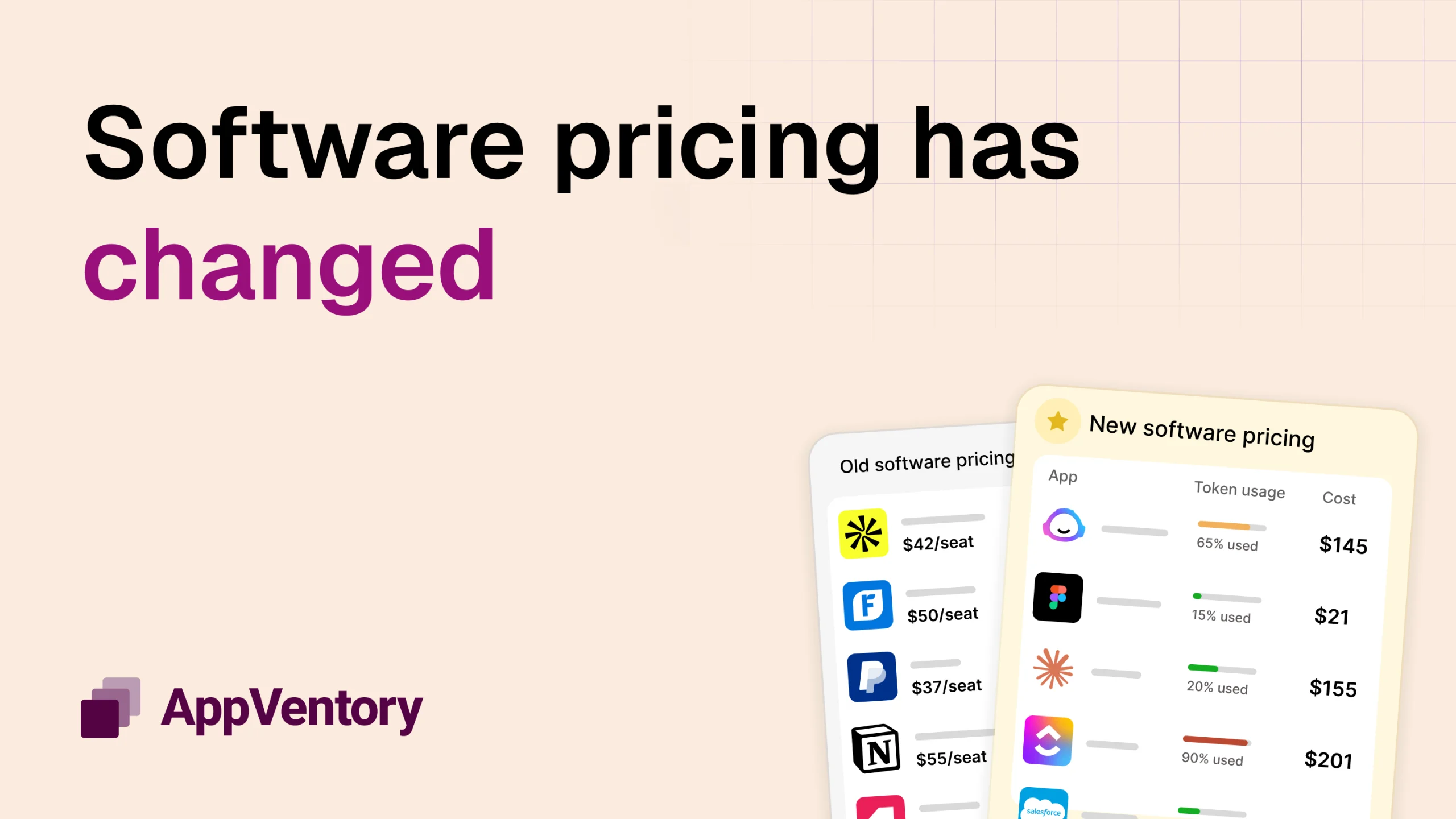
AI tools have changed the pricing. Many AI products combine a per-seat fee with usage-based charges, so the bill changes month to month. Employees often sign up individually, before any approval process exists for them.
The cost of not managing this is significant. In its 2026 Magic Quadrant for SaaS Management Platforms, Gartner predicts that through 2028, organizations that fail to get centralized visibility and coordinate SaaS life cycles will overspend on SaaS by at least 25%, due to unused entitlements and unnecessary, overlapping tools.
Where SaaS budgets leak
Most SaaS waste comes from six places. Each one is easy to miss on its own and expensive in total.
Unused and underused licences. You pay for 50 seats and 32 people log in. How to spot it: compare seats paid for with active users over the last 60 to 90 days.
Duplicate and overlapping apps. Three video tools, two e-signature tools, four places to store files. How to spot it: group your apps by what they do, then look for categories with more than one paid tool.
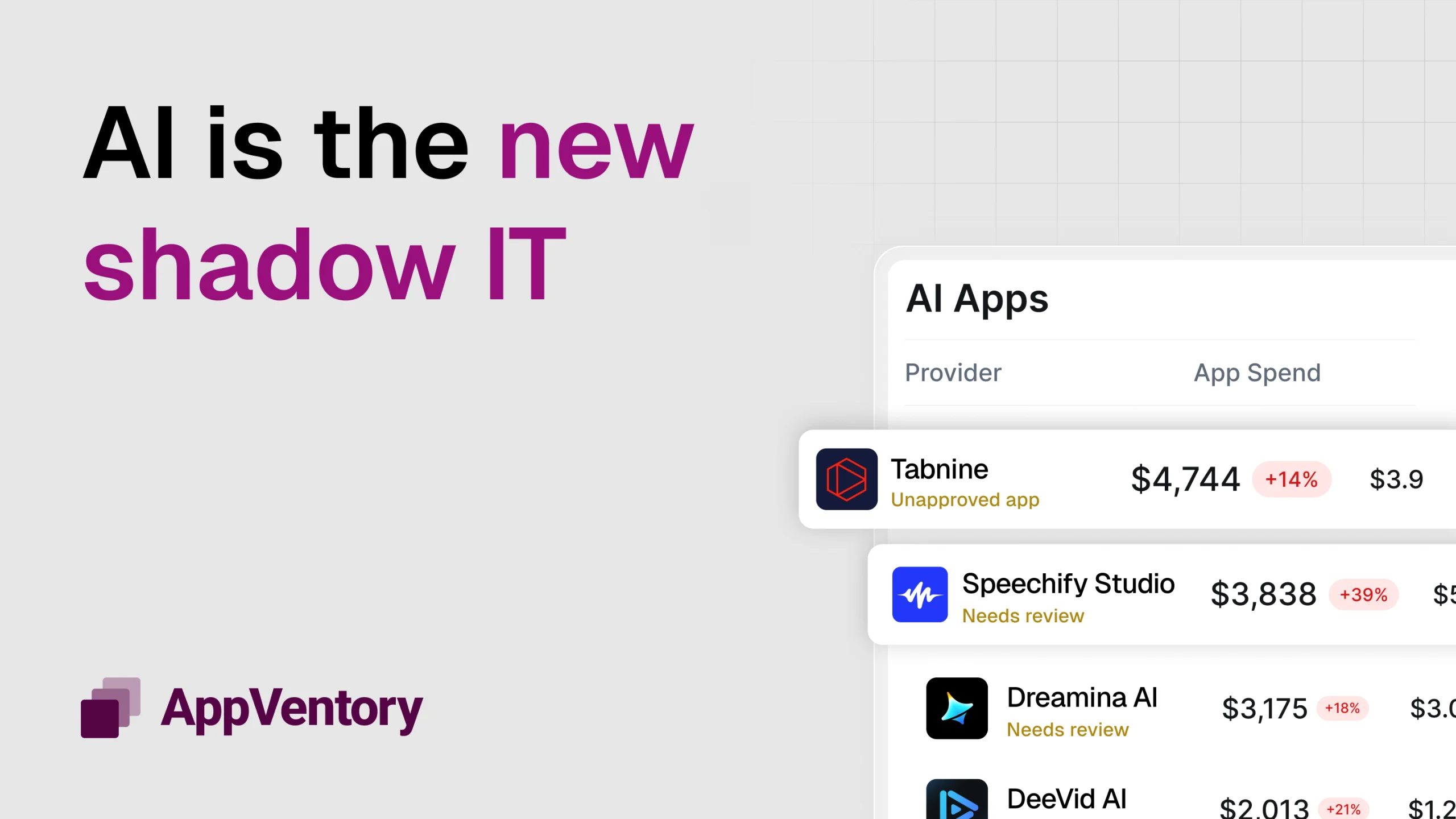
Shadow SaaS and shadow AI. Tools bought on personal or team cards, outside any approval process. They carry cost and security risk that nobody is tracking. How to spot it: scan card and expense data for software vendors that aren’t in your app inventory.
Missed renewal windows. Many contracts need 30, 60 or 90 days’ notice to cancel or change. Miss it and you are locked in for another term. How to spot it: list every contract with its renewal date and notice period.
The wrong plan tier. Teams on enterprise plans using starter-plan features, or paying for add-ons nobody turned on. How to spot it: compare the features in your plan with the features people actually use.
Orphaned accounts. People leave, and their licences stay active and billed. How to spot it: match each app’s user list against your current employee list.
The 3-step SaaS spend management process
You don’t need a large programme to get started. You need a repeatable loop: find everything, make sure the data is right, then act on it.
Step 1: Capture — find every app you pay for
Start with the money, not the app list. Pull software spend from every place it can appear:
- Your accounting ledger and accounts payable
- Company card and expense feeds
- Your single sign-on or identity provider
- Browser activity, which shows tools people use without signing in through SSO
- A short survey of department heads for anything still missing
The output is one inventory: every app, what it costs, how it’s paid for and how often it bills.
Step 2: Trust — verify ownership, usage and contracts
An inventory you can’t trust won’t drive decisions. For each app, confirm three things:
- Owner: one named person accountable for the app and its cost
- Usage: how many people actually use it, compared with how many seats you pay for
- Contract: price, term, seat count, renewal date and notice period
This is the step most teams skip, and it’s why their savings stall. Without an owner, no one acts. Without usage data, every cut becomes an argument.
Step 3: Act — cut, rightsize, renegotiate and govern
With clean data, the decisions get simpler:
- Cancel apps nobody uses
- Consolidate overlapping tools onto one standard per category
- Rightsize seat counts and plan tiers to match real usage
- Renegotiate at renewal, using your usage data as leverage
- Govern new purchases with a light approval process, so the stack doesn’t sprawl again
Then go back to Step 1. A quarterly cycle works for most businesses.
Who should own it?
SaaS spend management fails when everyone assumes someone else is doing it. The most common setup that works: finance owns the overall picture and the budget, IT or operations owns the data on access and usage, and department heads own the decisions for their team’s tools. What matters most is that one person is accountable for the whole stack, not just their part of it.
SaaS spend optimization: 7 tactics that work
Once you can see your spend, these are the moves that reduce it fastest.
- Run a quarterly licence true-up. Compare paid seats with active users every quarter. Remove or reassign the gap before the next billing cycle, not at renewal.
- Keep a 90-day renewal calendar. Every contract, its renewal date and its notice period in one place. Ninety days gives you time to review usage, get competing quotes and negotiate.
- Standardize on one tool per category. Pick one video tool, one file store, one project tracker. Moving teams takes effort once; paying for duplicates costs you every month.
- Choose annual or monthly deliberately. Annual plans are cheaper per seat but lock you in. Use them for tools you are sure about, and monthly plans for anything new or uncertain.
- Reclaim licences at offboarding. Add software to your leaver checklist. Every app the person used should have its seat removed or reassigned on their last day.
- Set usage thresholds for AI tools. Agree a monthly limit per team or per tool, and get an alert before it is crossed. Usage-based pricing punishes surprises.
- Create a simple intake process. A short form for new software requests: what problem it solves, whether an existing tool already does it, and who will own it. Keep it light enough that people use it.
Don’t leave AI spend out
AI tools are now one of the fastest-moving lines in the software budget, and they behave differently from traditional SaaS.
Pricing moves. Many AI tools charge per seat plus usage: tokens, credits, generations or API calls. Two months with the same headcount can produce very different bills.
Adoption starts with individuals. People try AI tools on their own, often on personal or team cards. By the time finance sees the pattern, the business may be paying for several tools that do much the same job.
Seat counts grow quickly. A pilot for five people becomes a team plan for fifty within a quarter, often without a usage review.
Treat AI spend as part of the same process, not a separate project. Capture AI tools in the same inventory, give each one an owner, track usage alongside cost, and apply the same renewal and intake rules.
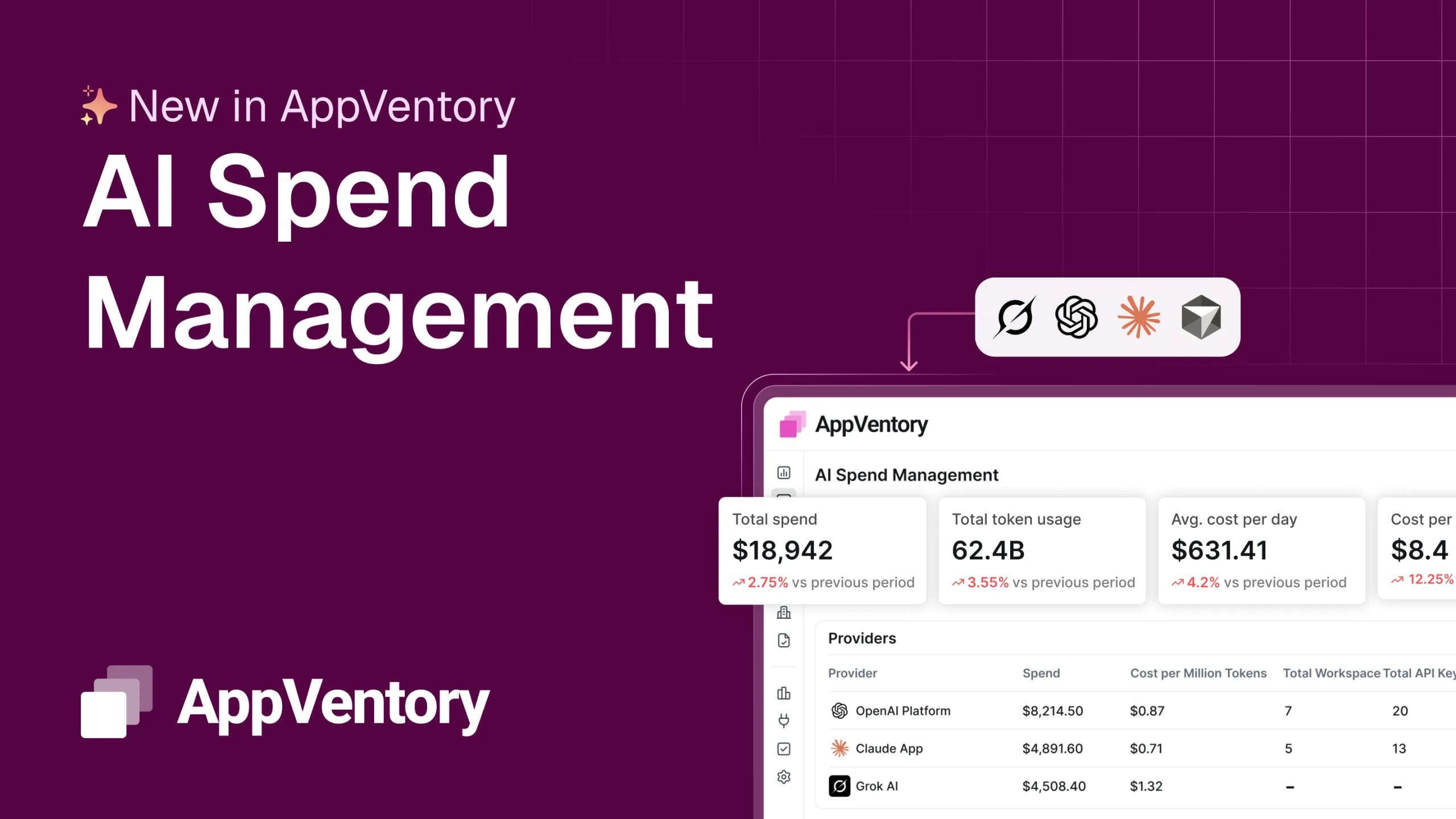
AppVentory’s AI Spend Management brings AI tools into the same view as the rest of your software, so you can see what each team is using and what it costs, as it happens.
What to look for in a SaaS spend management tool
Spreadsheets work for a handful of apps. Past that, the data goes stale faster than anyone can update it. When you evaluate a SaaS spend management tool, check for these:
- Discovery from several sources. It should connect to your accounting system, card feeds and identity provider, not rely on one. Each source catches apps the others miss.
- Usage visibility. Spend alone tells you what you pay. You also need to see who actually uses each app.
- Renewal alerts. Reminders far enough ahead of notice periods to act, sent to the app’s owner.
- AI tool coverage. It should recognize AI tools and handle usage-based costs, not just fixed subscriptions.
- Ownership workflows. A way to assign owners and ask them to review their apps, without chasing people by email.
- Accounting integrations. Direct connections to the systems your finance team already uses, so spend data doesn’t need manual exports.
- Reporting finance can use. Spend by team, category and vendor, and trends over time, in a form you can take to a budget meeting.
- Time to value. How quickly you get a full inventory. Weeks of setup delays the savings.
Metrics to track
Five numbers tell you whether SaaS spend management is working.
| Metric | What it tells you | How to read it |
|---|---|---|
| Total SaaS spend and spend per employee | The size of the stack, normalized for headcount | Should be flat or falling per employee as you optimize |
| Licence utilization rate | Active users as a share of paid seats | The gap is your fastest saving |
| Overlapping apps | Categories with more than one paid tool | Each overlap is a consolidation opportunity |
| Renewals due in the next 90 days | Upcoming decisions and their value | Every one should have an owner and a decision |
| Spend with an assigned owner | Share of spend someone is accountable for | Aim for close to 100%; unowned spend drifts |
FAQs
What is SaaS spend management?
SaaS spend management is the practice of tracking, controlling and optimizing what a business pays for cloud software. It links every subscription to an owner and to actual usage, so you can cut waste and manage renewals.
How do you reduce SaaS spend?
Start by finding every app you pay for, then compare paid seats with active users. Cancel what nobody uses, consolidate overlapping tools, rightsize plan tiers, and renegotiate at renewal using your usage data.
What is the difference between SaaS management and SaaS spend management?
SaaS management is usually IT-led and focuses on apps, access and security. SaaS spend management is finance-led and focuses on cost, usage, contracts and renewals. Most businesses need both, sharing the same data.
How often should you audit SaaS subscriptions?
Quarterly works for most businesses. It is frequent enough to catch unused seats before they renew, and light enough to keep up. Review any contract in more detail 90 days before it renews.
How do you track spending on AI tools?
Include AI tools in the same inventory as your other software. Pull spend from card and expense data as well as invoices, assign an owner to each tool, and set monthly usage limits with alerts for usage-based plans.
Who should own SaaS spend management?
Finance usually owns the overall picture and budget, IT or operations provides access and usage data, and department heads decide on their own team’s tools. One person should be accountable for the whole stack.
Conclusion
SaaS spend gets out of control quietly: a card sign-up here, an auto-renewal there, a licence nobody reclaimed. Getting it back doesn’t take a big project. Find every app you pay for, make sure each one has an owner and real usage data, then act on what you find. Repeat every quarter, and include AI tools from the start.