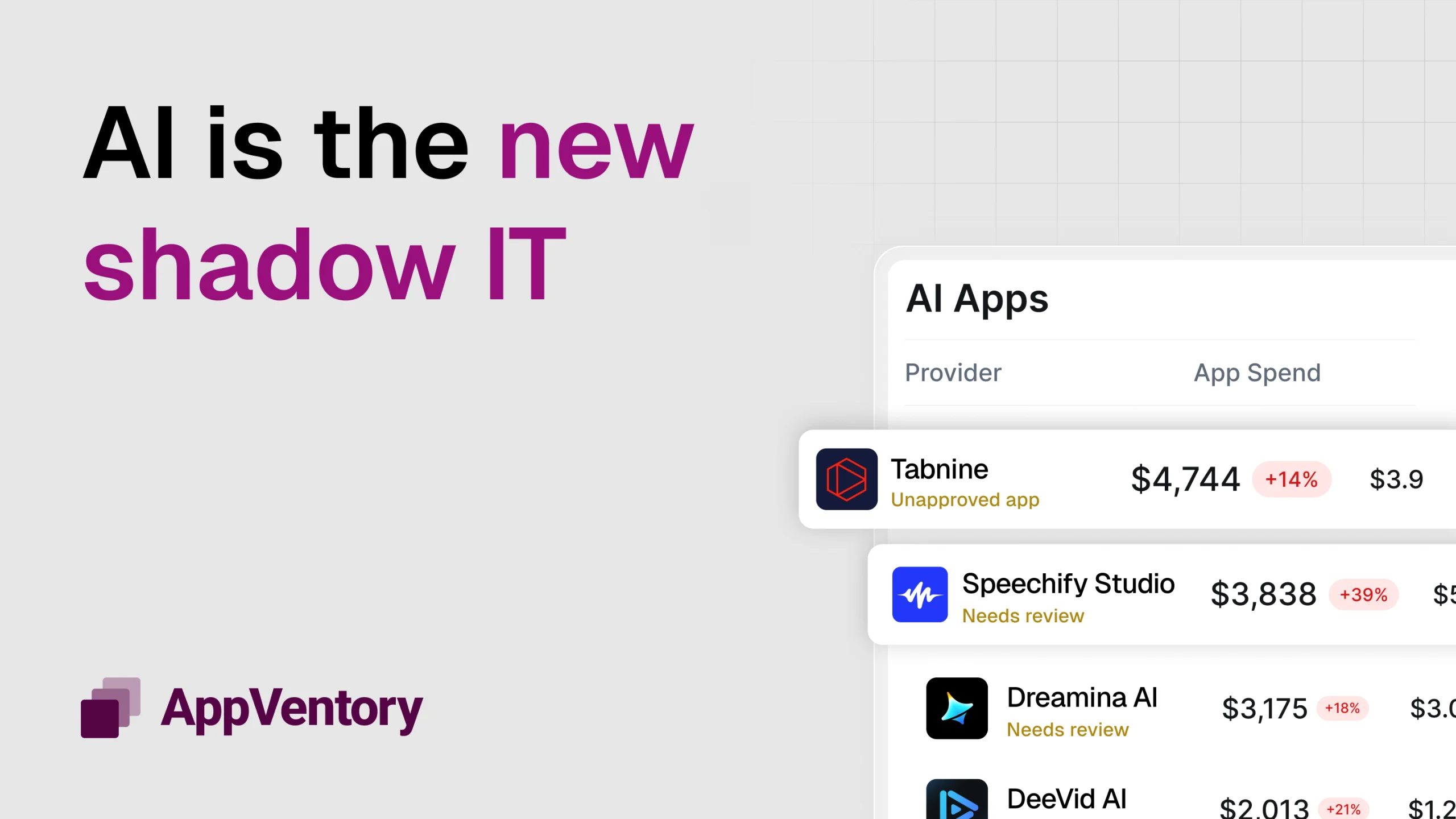
Shadow IT has become one of the fastest-growing blind spots in modern businesses. Research shows that almost a third of employees use unapproved tools, while over half of all departments have refused to use sanctioned software.
At its simplest, shadow IT refers to any software, app, or tool purchased or used without approval from IT, procurement, or finance. But in reality, it represents something much bigger: a parallel tech stack forming outside the systems meant to keep the business secure, compliant, and financially efficient.
When teams adopt tools independently, they often do it for good reasons: to move faster, solve a bottleneck, or fill a gap that the formal procurement route hasn’t addressed. But the cumulative impact is significant. Shadow IT introduces hidden costs no one is tracking, creates data security risks that never show up in risk registers, and fragments workflows across dozens of unconnected platforms.
The first step to regaining control isn’t tightening rules or blocking tools. It’s prioritizing visibility. Businesses can’t manage what they can’t see — and until the full software landscape comes into view, shadow IT risk will continue to grow in the dark.
What Causes Shadow IT?
Shadow IT isn’t a fringe issue anymore; it’s a structural by-product of how modern organizations operate. Studies consistently show that a significant percentage of a company’s software stack is adopted outside formal approval channels, and the trend is accelerating year after year. What was once the occasional rogue app is now an entire parallel ecosystem fuelled by speed, autonomy, and the accessibility of cloud-based tools.
One of the biggest drivers is the rise of remote and hybrid work. Distributed teams often need immediate solutions to keep projects moving, and waiting days or weeks for procurement or IT approval feels unrealistic. When productivity is on the line, many employees take matters into their own hands — signing up for tools that offer instant access and frictionless onboarding.
Freemium models and corporate cards make this even easier. Most apps can be activated with nothing more than an email address, and many escalate into paid plans without anyone noticing the shift. A $9 monthly tool becomes a $99 renewal, then multiplies as more team members join. The ease of adoption is a feature for users, but a challenge for the business.
There’s also a cultural layer. Modern teams value autonomy; the freedom to choose business software that matches the way they work. But without clear visibility or accountability, autonomy can quietly drift into fragmentation. Each department builds its own tech ecosystem, optimized for itself but misaligned with the organization as a whole.
The shadow IT risk doesn’t emerge from carelessness. It emerges from people trying to work efficiently in an environment where getting official approval is often slower than simply solving the problem themselves.
The Real Cost of Shadow IT

Financial Waste That Goes Unnoticed
The most visible shadow IT cost is almost always financial. However, even then, most businesses only see a fraction of what they’re actually losing.
When teams purchase tools independently, no one monitors renewals, upgrades, or usage. Free trials quietly convert into paid plans, monthly subscriptions compound across departments, and duplicate tools slip into the app stack, each solving the same problem in slightly different ways.
Without central oversight, these costs rarely surface until budgets come under scrutiny, and by then, the business has already paid for months or years of tools it didn’t need or barely used.
Related: Is software waste holding your business back?
Security and Compliance Risks Hidden in Plain Sight
The more dangerous shadow IT cost is the one leaders can’t see at all. When data ends up in unapproved or unsecured apps, the business loses control over where information is stored, who has access, and whether the tool meets basic security standards.
What starts as a simple productivity shortcut can quickly become a compliance breach waiting to happen.
Unmonitored tools often fall outside formal security frameworks. For example, they may lack essential encryption, store data in unknown regions, or offer no audit logs. This creates immediate risk for organizations operating under strict requirements such as GDPR, SOC 2, ISO 27001, or HIPAA.
A single unsupported app can invalidate controls, introduce gaps in risk assessments, or expose sensitive information — even if the team using it had the best intentions.
The challenge is simple: IT teams cannot secure what they cannot see. Every hidden app in shadow IT becomes a blind spot in the company’s security posture, not because employees are careless, but because visibility was never built into the process.
Operational Fragmentation That Slows the Entire Organization
The operational impact is quieter but felt every day. When each team uses its own tools for communication, file storage, project planning, or reporting, collaboration becomes friction-heavy. Data lives everywhere and nowhere at once; leaders get different answers depending on which system they ask, and processes that should be simple turn into multi-step tasks across disconnected platforms.
To put it in perspective:
-
27% of employees use unapproved collaboration tools
-
21% use unapproved file transfer/sharing services
-
42% of team members use email accounts not approved by IT teams.
Shadow IT doesn’t just add financial burden; it adds complexity. And complexity slows everything down.
But Here’s Why Shadow IT Isn’t Always Bad
Shadow IT usually gets framed as a threat, and it hasn’t had a great reputation in this post so far. But the reality is more nuanced.
Many of the tools that appear “rogue” weren’t adopted to circumvent policy, they were adopted because teams identified real gaps in efficiency, collaboration, or capability. In many cases, these bottom-up decisions reveal what the business truly needs long before a formal procurement cycle does.
According to Springer, 38% of employees are driven to shadow IT to circumvent slow response times and find more efficient ways to work.
When employees find a tool that lets them work smarter or faster, it’s usually a signal of innovation, not misconduct. A marketing team may discover an analytics platform that offers insights their approved suite doesn’t provide, or product teams might trial niche tools that help them prototype or ship faster. These are signs of agility — the kind that often drives competitive advantage.
The issue is that it exists unseen. Without visibility, leaders can’t distinguish between tools that genuinely add value and tools that introduce unnecessary cost, redundancy, or risk. And without a clear view of how people are actually working, businesses often end up making top-down decisions that don’t align with day-to-day needs.
The goal isn’t to ban shadow IT; it’s better business software management. When organizations have full visibility into their software landscape, they can support useful innovation, retire redundant tools, and formalize the platforms that genuinely help teams excel.
Related: How to Run a Tech Stack Analysis (And Why Your Business Needs One ASAP)
How to Bring Shadow IT into the Light
Bringing shadow IT under control starts with building a clear, accurate picture of what your organization is actually using. Most businesses underestimate how many applications are floating around their environment, and until that reality is visible, any attempt at governance is operating on guesswork.
1. Audit Your Entire Software Landscape
The first step in managing shadow IT risk is knowing what you’re actually using, not just what you think you’re using.
Most organizations discover far more apps than expected once they begin a proper audit: freemium tools, expired trials that converted to paid plans, niche departmental apps, and legacy subscriptions still quietly renewing.
This discovery stage is where the greatest visibility gap exists, and it’s where AppVentory provides immediate clarity by automatically detecting hidden, forgotten, or duplicate apps across every department.
2. Identify Ownership, Usage, and Spend
Once every tool is visible, the next step is to understand its purpose. Who owns it? How many people use it? Is usage enough to justify the cost? A tool with 30 licences and three active users tells a very different story from one with high adoption but no formal owner.
AppVentory’s usage insights and ownership mapping replace guesswork with data. Leaders can see which apps are valuable, which are underperforming, and which have quietly inflated spend through unnoticed upgrades or renewals.
3. Evaluate Security, Compliance, and Integration Fit
Not every app belongs in a business environment, and compliance frameworks make this even more important. Tools operating outside SOC 2, ISO 27001, HIPAA, or GDPR requirements create immediate shadow IT risk, especially when data is stored or shared without proper oversight.
With AppVentory’s visibility into app types, data behavior, and access patterns, IT can quickly identify which tools align with internal policies and which ones introduce vulnerabilities or governance gaps.
4. Consolidate, Retire, or Approve as Needed
Once the landscape is clear, consolidation becomes straightforward. Redundant tools can be retired. Similar apps can be replaced with a single, approved platform. High-value tools adopted by one team can be formalized and rolled out more broadly.
AppVentory’s overlap detection highlights functionally similar tools so leaders can streamline the stack without compromising productivity.
5. Monitor Continuously and Track Renewals Proactively
Shadow IT only reappears when visibility fades. Without ongoing monitoring, new tools slip back into the ecosystem, renewals trigger unnoticed, and subscription creep returns.
So, AppVentory’s smart alerts and renewal calendar ensure that nothing appears (or renews) without being seen. New spend is flagged instantly, unknown tools surface automatically, and renewals never catch you off-guard.
Ready to Find out How Many Apps are Hiding in Your Tech Stack?
At AppVentory, we always say that shadow IT isn’t a people problem; it’s a visibility problem. Teams adopt unapproved tools because they’re trying to work faster, fill gaps, and keep projects moving. But when those tools remain hidden, your business loses control over spend, data, security, and the consistency of its operations.
The solution isn’t to clamp down or limit autonomy. It’s to shine a light on the entire software landscape so leaders can see what’s being used, why it’s being used, and where it fits into the broader strategy.
AppVentory makes this level of visibility possible. When every app, every renewal, and every cost sits in one central dashboard, shadow IT stops being a threat in the dark and becomes something you can actually manage intelligently, proactively, and at scale.
Start a free trial of AppVentory today, and see how many hidden apps are going unchecked in your business in a few clicks.
Frequently Asked Questions (FAQs)
1. What is Shadow IT?
Shadow IT refers to any software, cloud application, AI tool, browser extension, or device employees use for work without the approval or knowledge of the IT department. While these tools often improve productivity, they can create security, compliance, and financial risks because they operate outside official governance.
2. Why is Shadow IT becoming a bigger problem?
The rapid growth of SaaS applications, remote work, and AI tools has made it easier than ever for employees to adopt software independently. Many users can sign up for new applications within minutes using a company email or credit card, bypassing traditional IT procurement and security reviews.
3. What are the biggest risks of Shadow IT?
Shadow IT can expose organizations to several risks, including:
Data breaches and unauthorized data sharing
Compliance violations (GDPR, HIPAA, SOC 2, ISO 27001)
Duplicate software subscriptions
Unused SaaS licenses increasing costs
Limited visibility into business applications
Security vulnerabilities and unmanaged integrations
4. What causes employees to use Shadow IT?
Employees typically adopt unauthorized software because:
Approved tools don’t meet their needs.
Procurement takes too long.
They need faster collaboration.
They discover easier or cheaper alternatives.
AI tools help automate repetitive work.
Most Shadow IT is created with good intentions—not malicious intent.
5. Is Shadow IT always bad?
No.
Shadow IT often highlights gaps in an organization’s technology strategy. It reveals where employees need better tools or faster processes. Instead of simply blocking Shadow IT, many organizations focus on identifying useful applications and bringing them under proper governance.
6. How does Shadow IT affect cybersecurity?
Shadow IT expands an organization’s attack surface. Unauthorized applications may lack security reviews, encryption standards, access controls, or multi-factor authentication. IT teams cannot protect systems they don’t know exist.
7. How does Shadow IT impact software spending?
Hidden software subscriptions frequently lead to:
Duplicate applications
Unused licenses
Auto-renewals
Department-level purchases
Poor vendor negotiation
These hidden costs can significantly increase annual SaaS spending without delivering proportional business value.
8. How can businesses detect Shadow IT?
Organizations typically identify Shadow IT by combining:
Single Sign-On (SSO) monitoring
Expense and accounting software analysis
Browser and endpoint monitoring
SaaS discovery tools
Network traffic analysis
Employee software audits
Using multiple data sources provides a much more accurate software inventory.
9. What industries are most affected by Shadow IT?
Almost every industry experiences Shadow IT, but it is especially common in:
Healthcare
Financial Services
Legal Firms
Marketing Agencies
Technology Companies
Education
Manufacturing
Professional Services
Organizations with distributed teams and extensive SaaS adoption face the highest exposure.
10. How is Shadow AI different from Shadow IT?
Shadow AI is a subset of Shadow IT.
It specifically refers to employees using AI tools like AI chatbots, meeting assistants, coding assistants, or content generators without organizational approval. These tools may inadvertently expose confidential business data, intellectual property, or customer information.
11. Can Shadow IT create compliance issues?
Yes.
Unauthorized applications may violate internal security policies and regulatory requirements such as:
GDPR
HIPAA
SOC 2
ISO 27001
PCI DSS
If sensitive data is processed by unapproved vendors, organizations may face legal and financial consequences.
12. What are examples of Shadow IT?
Common examples include:
Free project management software
Personal Dropbox or Google Drive accounts
AI writing assistants
Unapproved CRM tools
Browser extensions
Messaging apps
File-sharing services
Personal email accounts used for work
13. How can businesses reduce Shadow IT without slowing employees down?
The most effective strategy is to combine governance with flexibility.
Organizations should:
Discover all software in use
Approve valuable applications quickly
Remove duplicate or risky tools
Create simple software request processes
Educate employees about security risks
Continuously monitor software usage
14. What is the difference between Shadow IT and SaaS Sprawl?
Shadow IT refers to unauthorized applications.
SaaS sprawl refers to the uncontrolled growth of software applications across an organization, including both approved and unapproved tools. Shadow IT often contributes to SaaS sprawl.
15. How does Shadow IT affect IT teams?
Shadow IT increases operational complexity by making it difficult to:
Track software inventory
Manage licenses
Secure company data
Control costs
Support users
Maintain compliance
Without complete visibility, IT teams spend more time reacting to problems instead of preventing them.
16. What are the warning signs of Shadow IT?
Businesses should look for:
Unexpected software charges
Duplicate SaaS tools
Employees using personal cloud storage
Unknown browser extensions
Unmanaged AI applications
Department-specific software purchases
Missing software documentation
17. What is the best way to manage Shadow IT?
The best approach combines continuous software discovery, usage monitoring, security reviews, license optimization, renewal management, and employee education. Organizations should focus on gaining visibility rather than simply blocking new tools.
18. How can AppVentory help manage Shadow IT?
AppVentory helps organizations discover hidden software, identify unauthorized applications, monitor software usage, track renewals, uncover duplicate subscriptions, and improve visibility across the entire SaaS ecosystem. This enables IT and finance teams to reduce software waste while strengthening governance and security.
19. Can small businesses have Shadow IT?
Absolutely.
Shadow IT isn’t limited to enterprises. Small and medium-sized businesses often experience it because employees can easily purchase or subscribe to software without formal approval processes. In many SMBs, even a few unmanaged tools can create meaningful security and budget risks.
20. Why should organizations monitor Shadow IT continuously instead of conducting annual audits?
Shadow IT changes constantly as employees adopt new SaaS and AI tools. Continuous monitoring helps organizations detect unauthorized applications early, prevent unnecessary spending, maintain compliance, and respond to emerging security risks before they become costly incidents.