Most of your clients don’t know how much they spend on software.
Not really. They know the big lines – the accounting platform, the CRM, maybe payroll. But apart from that, there are dozens of smaller subscriptions across teams, personal cards, department budgets, and auto-renewals that nobody’s reviewed since they started. Unused SaaS subscriptions build up without anyone noticing, and it’s rarely anyone’s job to catch them.
That gap is an opportunity. A software spend audit is one of the fastest ways to show a client tangible value: you find real money, you make invisible spend visible, and you open the door to an ongoing advisory conversation. This guide walks through a repeatable, five-step audit you can run for almost any client this quarter to help them avoid unused SaaS subscriptions and cut wasted spend.
What is a software spend audit?
A software spend audit is a structured review of every software and SaaS subscription a business pays for – what each tool costs, who owns it, when it renews, and whether it’s actually being used. The goal is to surface unused, duplicate, and oversized subscriptions so the business can cancel, consolidate, or renegotiate them before the next renewal.
For accountants, it’s also the foundation of a repeatable advisory service. Run once, it finds savings. Run every quarter, it becomes a service line. Here’s how to do it.
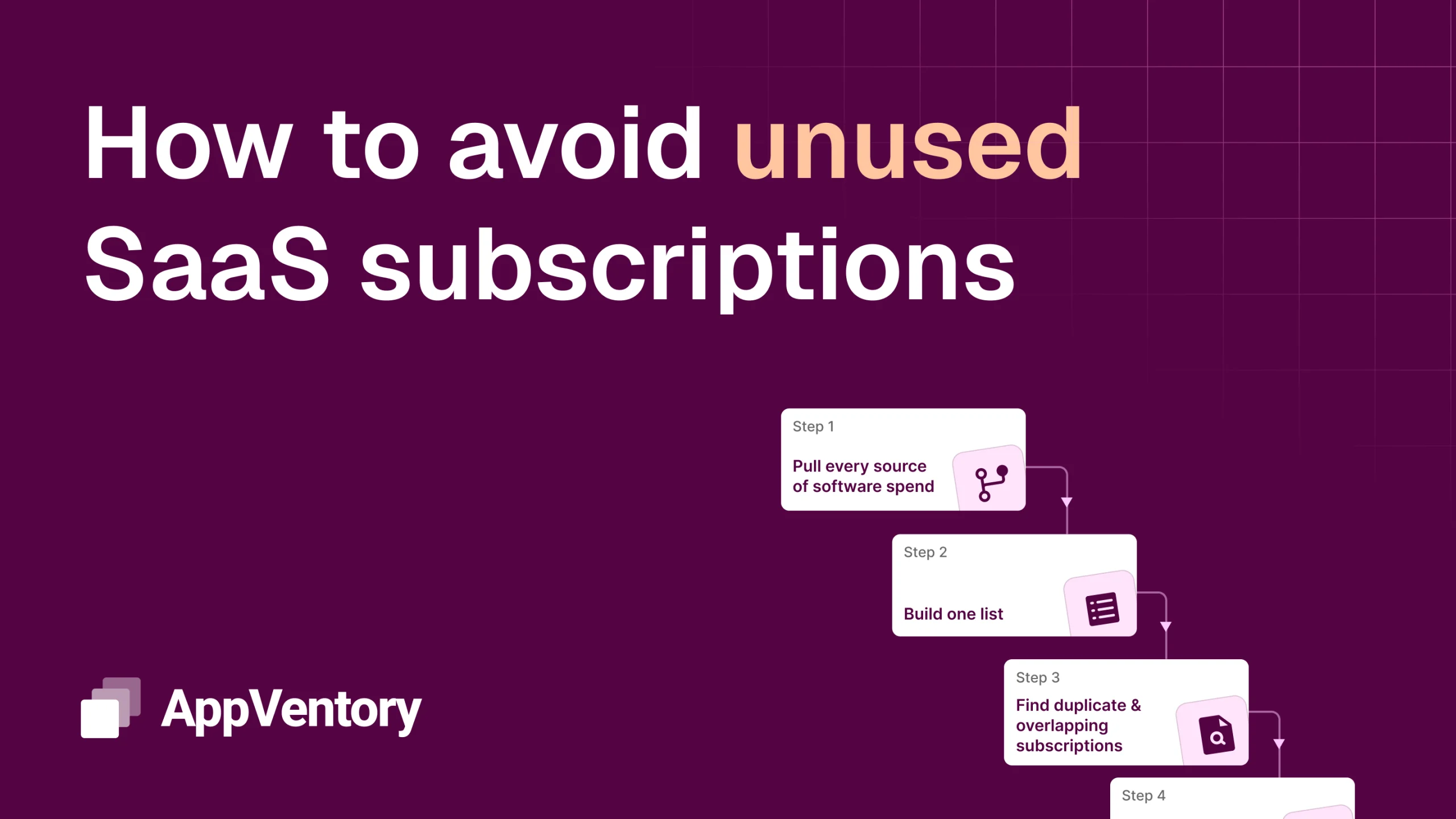
Step 1: Pull every source of software spend
Start by finding where software actually gets paid for. The finance system is the obvious place, but it’s rarely the whole picture. Software spend hides in expense claims, corporate cards, personal cards that get reimbursed, and app-store charges buried in a founder’s Apple or Google account.
Ask for three months of card and expense data alongside the ledger, and look for anything recurring – the same vendor, the same rough amount, month after month. This first pass almost always surfaces tools the client forgot they were paying for.
Step 2: Build one list — tool, cost, owner, and renewal date
Get everything into a single view: tool name, monthly or annual cost, who signed up for it, and when it renews. The renewal date matters more than people expect – it’s the only window where a client can cancel without eating a full term, and it’s the detail that’s almost never tracked.
If nobody can name the owner of a subscription, flag it. An unowned tool is usually either genuinely unused or a security risk, and often both. The list itself is a striking deliverable: most clients have never seen their entire software stack on one page.
Step 3: Find duplicate and overlapping subscriptions
Now look for tools doing the same job. Duplicate SaaS subscriptions are more common than they sound: two project tools because two teams each picked their own, a standalone e-signature tool when the CRM already includes one, three separate AI subscriptions across the team when a single plan would cover everyone.
Overlap is the easiest saving to act on, because consolidating rarely costs the client anything they’ll miss. Group the list by function and the duplicates become obvious.
Step 4: Find unused SaaS subscriptions — separate the used from the paid-for
A subscription being active isn’t the same as it being used. This is where the biggest surprises live: seats bought for people who’ve since left, plans sized for a team twice the current size, tools adopted for one project and never switched off.
Where you can, get usage data – last login, active seats, actual consumption versus the plan. Where you can’t, the client’s own team usually knows; a quick ‘does anyone still use this?’ often ends a subscription on the spot. Cancelling unused SaaS subscriptions is typically the single largest saving in the whole audit.
Step 5: Turn the findings into a decision list
An audit that ends in a spreadsheet gets filed and forgotten. An audit that ends in decisions gets acted on – and gets you invited back.
Sort every tool into one of four buckets: keep, cancel, consolidate, or renegotiate. Put a number next to each so the client can see the total saving, and note the renewal date beside anything time-sensitive so nothing lapses by default. That decision list is what turns a one-off review into an ongoing conversation about SaaS spend optimization.
Why a recurring audit becomes an advisory service
Run this once and you’ve found a client some money. Run it every quarter and you’ve built a service – one that positions your firm as the person who watches the client’s technology spend the way you already watch their books.
The tools change, the subscriptions multiply, and unused SaaS subscriptions rebuild themselves within a year. That recurrence is exactly what makes it a service line rather than a one-time clean-up. The clients who value the first audit are usually the ones who’ll pay to never lose sight of it again.
Freqeuntly Asked Questions (FAQs)
How often should a business audit its software subscriptions?
Quarterly is a practical cadence for most businesses. Subscriptions accumulate faster than people expect, and a quarterly review catches unused SaaS subscriptions and upcoming renewals before they auto-renew for another term.
What’s the difference between an unused and a duplicate subscription?
An unused subscription is a tool nobody actively uses – often paid seats for people who’ve left or plans sized for a larger team. A duplicate subscription is two or more tools doing the same job. Both are common sources of wasted software spend, and both surface in a structured audit.
How much can a business save by auditing its SaaS spend?
Savings vary by size and stack, but most audits find meaningful waste in three places: unused seats, duplicate tools, and oversized plans. The biggest single saving is usually cancelling subscriptions nobody uses anymore.
Can accountants offer software spend audits as a service?
Yes. A recurring software spend audit is a natural advisory service line – it delivers visible savings, requires no extra headcount, and positions the firm as the client’s technology spend advisor alongside their existing financial work.
This is the kind of recurring, visible value AppVentory is built to support – giving accountants and their clients one clear view of software and AI spend, so the audit runs itself and the findings stay current between reviews.