Most small businesses don’t have a software problem. They have a forgetting problem.
Tools get bought for a project, a hire, or a busy quarter — and then nobody circles back. The card keeps getting charged, the renewal keeps sliding through, and the SaaS waste quietly compounds. By the time anyone looks, the software stack has grown a layer of subscriptions nobody can explain. Industry estimates put wasted SaaS spend at roughly a quarter to a third of the average bill — and for an SMB, that’s real money.
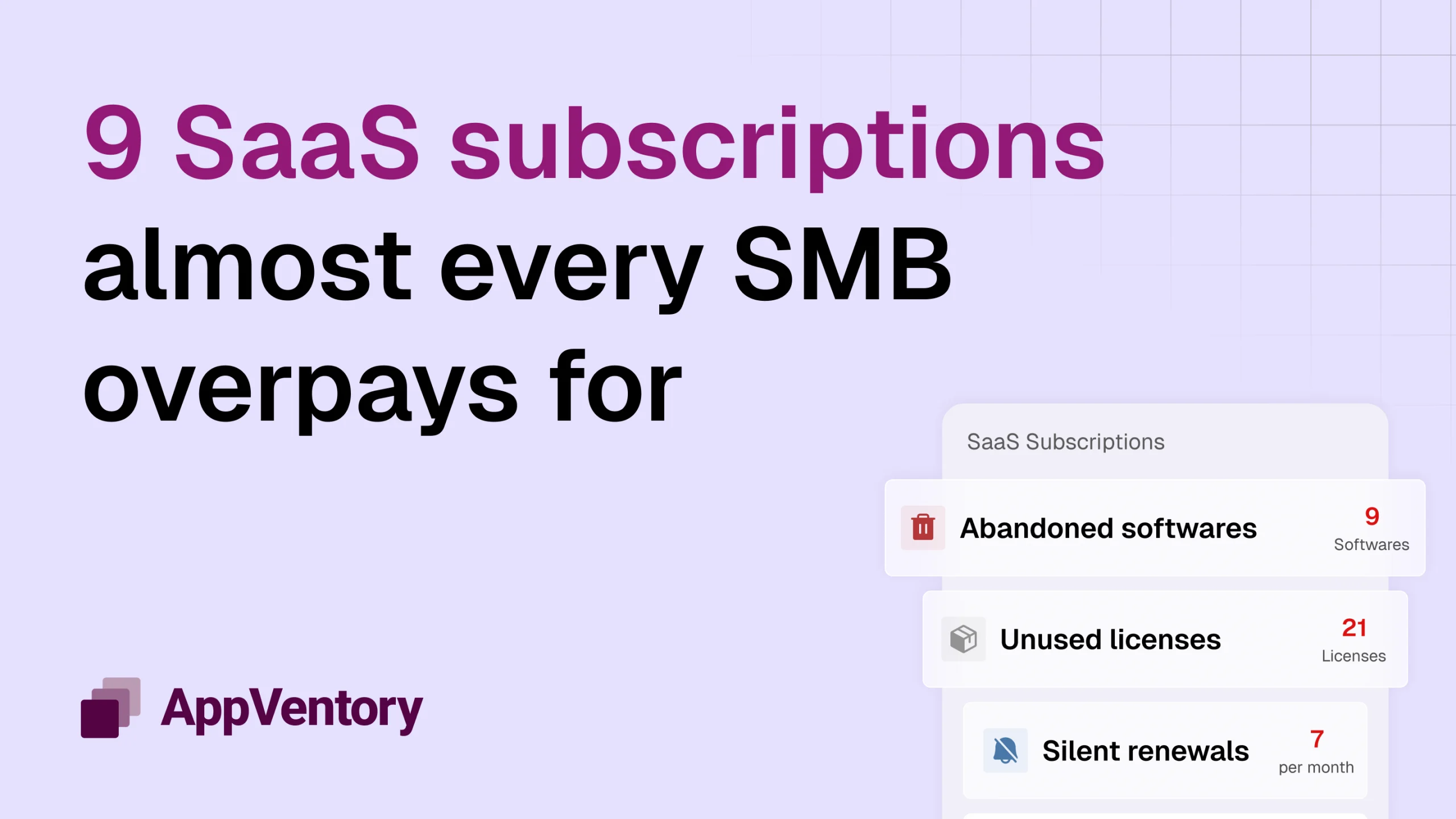
If you advise SMB clients, this is where you come in. Here are the nine SaaS subscriptions almost every small business overpays for — and exactly how to spot each one in a client’s software spend.
The 9 subscriptions, at a glance
- Unused SaaS licenses (seats nobody logs into)
- Duplicate tools doing the same job
- Auto-renewals on abandoned software
- Over-tiered plans (premium they never grew into)
- Paid tools that duplicate something free
- Never-activated “we might need it” subscriptions
- Add-ons stacked onto a core platform
- Orphaned accounts from former employees
- Silent renewal price increases
Let’s go over them:
1. Unused SaaS licenses
Per-seat pricing is the single most reliable source of SaaS waste in any stack. A team scales up, licenses get added, people leave — and the seats stay. The subscription doesn’t shrink when the headcount does. Unused licenses are consistently ranked the number-one driver of software overspend.
What to check: active logins against billed seats. The gap between licenses paid for and licenses used in the last 90 days is usually the fastest saving you’ll find.
2. Duplicate SaaS tools
Two project trackers. Two e-signature tools. A paid Zoom plan and a paid Teams plan side by side. Duplicate SaaS subscriptions creep in when different people buy for different reasons, and no one owns the full picture.
What to check: group the stack by job-to-be-done. Anywhere two tools solve the same problem, one is a candidate to cut.
3. SaaS auto-renewals on abandoned tools
Auto-renewal is designed to be frictionless — for the vendor. A tool gets trialled, adopted for a season, then abandoned. But the annual contract renews on schedule, often with a quiet price bump, long after anyone opened it.
What to check: last-active dates against upcoming renewals. A tool with no activity and a renewal in the next 60 days is a conversation worth having before the charge lands.
4. Over-tiered plans
Upgrades happen for one feature, one integration, one busy month. Then the need passes, but the plan doesn’t roll back. Clients sit on Enterprise when Pro would cover them, paying for headroom they never touch.
What to check: actual usage against tier limits. If they’re using a fraction of what the tier allows, a downgrade is often invisible to the business and material to the bill.
5. Paid tools that duplicate something free
Some paid subscriptions sit directly on top of something the business already has. A paid PDF editor when the operating system ships one. A standalone scheduler when the calendar suite already includes it. A paid storage add-on next to an allowance that’s barely used.
What to check: whether a paid tool’s core job is already covered by something in the stack the client pays for anyway.
6. Never-activated subscriptions
Software bought in anticipation — for a launch that slipped, a hire that didn’t happen, a workflow that never got built. It shows up on the statement every month with zero usage to justify it.
What to check: subscriptions with no meaningful activity since the day they were purchased. These are the cleanest cuts in the stack.
7. Add-ons stacked onto a core platform
The base plan is fine. It’s the add-ons — extra automation credits, premium support, bolt-on modules, additional environments — that inflate quietly. Each looked small at signup; together they can rival the core subscription.
What to check: the line items beneath the headline plan. Add-ons are where budgets drift because nobody reviews them line by line.
8. Orphaned accounts from former employees
When the person who championed a tool leaves, the subscription often outlives them. Billing runs to a card or inbox nobody monitors, the login sits unused, and the charge becomes part of the furniture.
What to check: subscriptions tied to former employees or orphaned accounts. These are easy to miss precisely because no current person is attached to them.
9. Silent renewal price increases
Not every overpayment comes from disuse. Sometimes the tool is still in use — it just costs more than it did last year. Vendors raise prices at renewal, and unless someone is tracking it, the increase gets absorbed without a second look.
What to check: this year’s renewal price against last year’s. A steady climb across several tools adds up to a stack that costs meaningfully more for the same value.
How accountants turn this into an advisory service
Every one of these nine traces back to the same thing: no single person owns the full view of what the business is paying for. Subscriptions get bought in ones and twos, across departments and cards and inboxes, and nobody sees them side by side.
That’s the gap — and for an accountant or advisor, it’s the opening. You’re already the one person who sees the whole financial picture. A software spend review isn’t a favour; it’s a service. Surface these nine, put a number on them, and you’ve turned a routine look at the books into advice a client feels in their bank balance.
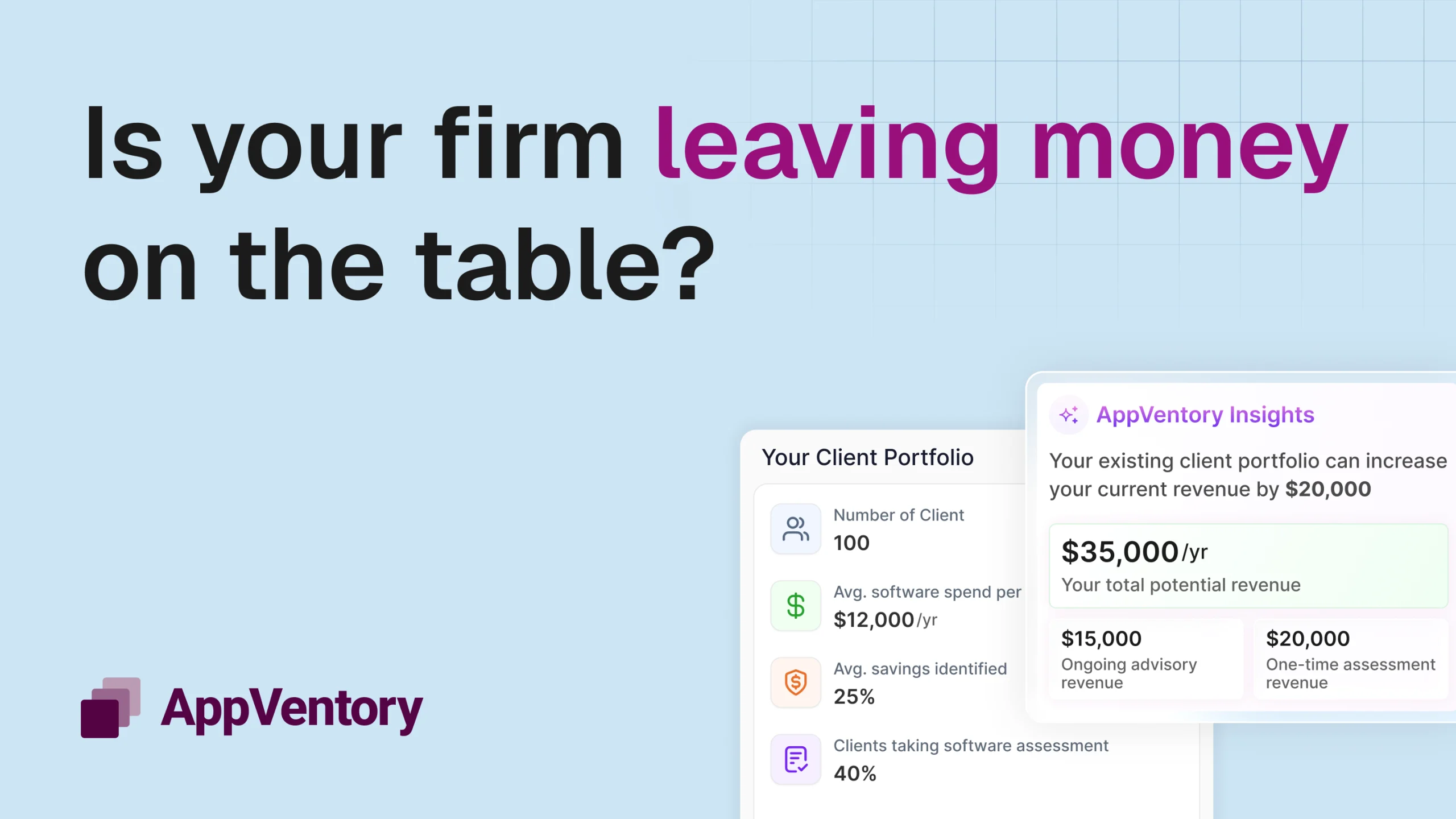
Want to see what a full software spend review turns up in a real stack? [Explore how AppVentory helps accountants surface, quantify, and manage client software spend. Book a call with us today.]