Your books show one line for AI. AppVentory shows what’s behind it.
AI spend management for OpenAI and Claude. See your API bill by person, API key, project and model, set monthly limits and alerts, and know where the month will land before the invoice does.
- Connect with an admin API key
- Never sits between your apps and the provider
- Limits and alerts that never block your team

Start your 14-day free trial
Connect OpenAI or Claude and see your AI spend broken down in minutes.

Trusted by IT and finance teams at RSM and 500+ businesses worldwide






Monitor and limit your AI SaaS spend in one view
Connect a provider once and AppVentory keeps spend, tokens, requests, models, projects and users in sync.
Manage AI spend across providers without switching between dashboards, making it easier to track your expenses in one place.
- Monitor spend trends across providers over time
- Compare token costs across AI models and platforms in one view
- Track API keys, users, and workspaces in one register
- See projects and usage across OpenAI and Claude together
- Set limits and alerts to keep AI costs under control

AI spend doesn’t behave like software spend

Billed on usage, not seats
Cost rises with every request. A new feature or a busy week shows up on the bill before anyone notices it happening.

Spread across keys, projects and people
Teams create API keys and projects as they build. Nobody has the full list, and nobody owns the total.

Invisible in your accounts
Accounting sync records one payment to the provider, with nothing on who, which key or which model drove it.
Everything behind the invoice, in one place
Connect a provider once and AppVentory keeps spend, tokens, requests, models, projects and users in sync.
One view across providers
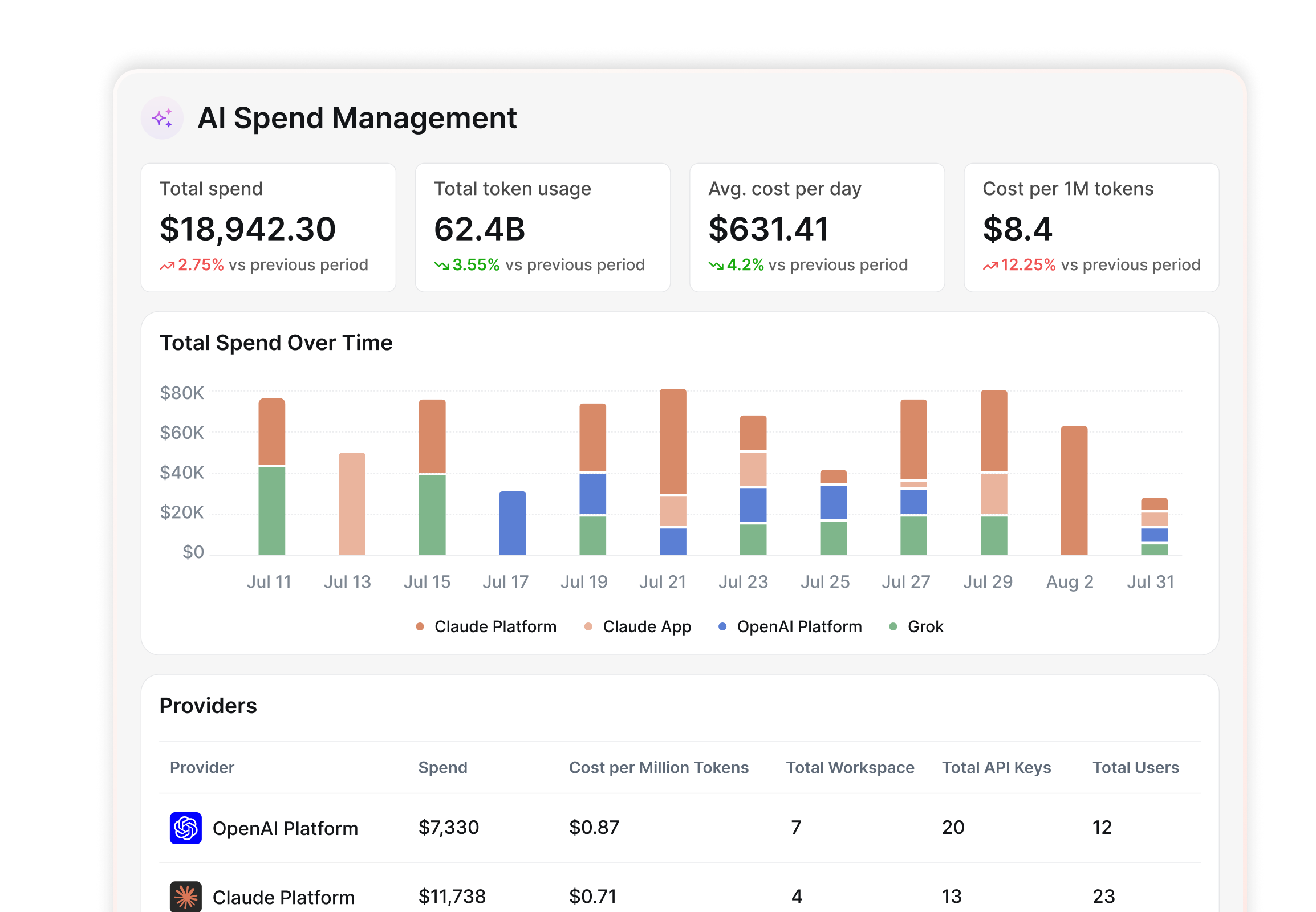
Total spend, token usage and cost per million tokens for OpenAI and Claude together, charted by provider or model.
Spend by person
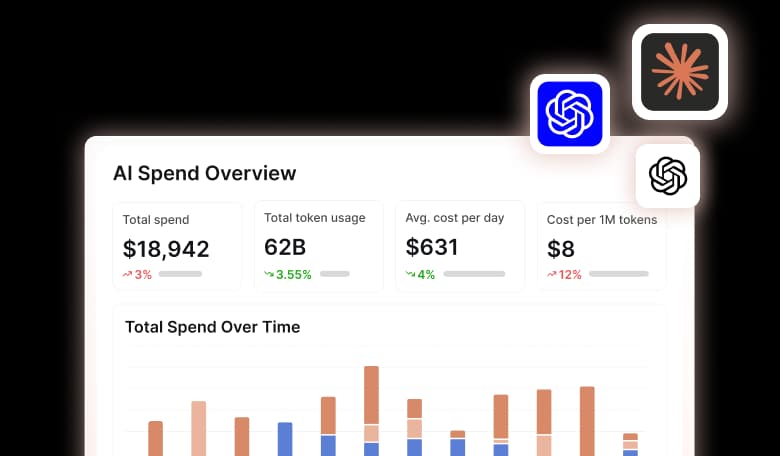
Each person’s spend, share of the total and cost per million tokens, with the API keys they hold.
A register of every API key
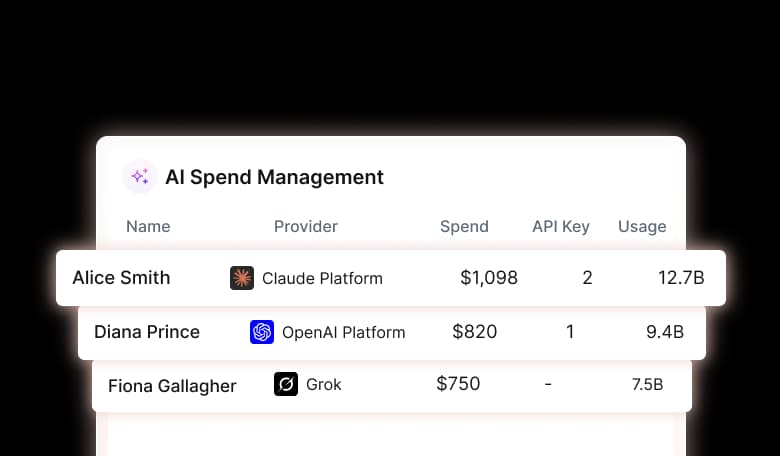
Every key across every provider, with its owner, project, spend and status, so dormant keys stand out.
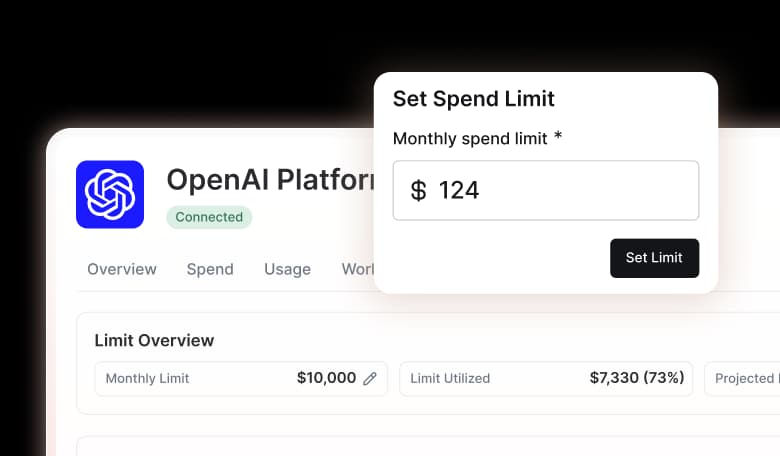
Limits for each project
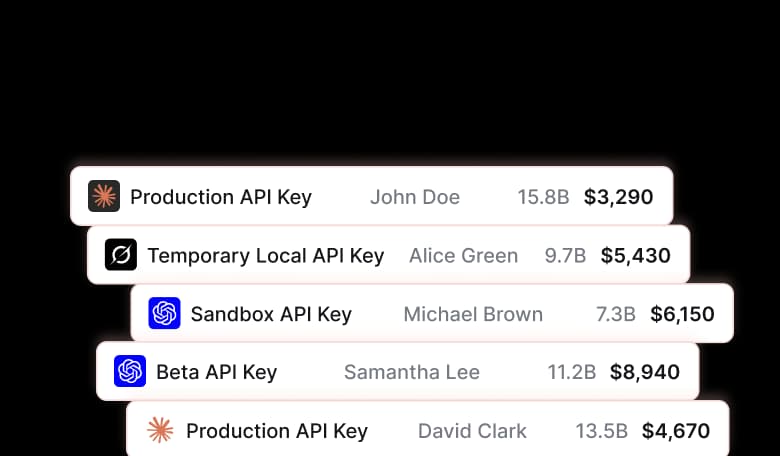
Set a monthly limit for a provider or a single project, and see which projects are over or have no limit at all.
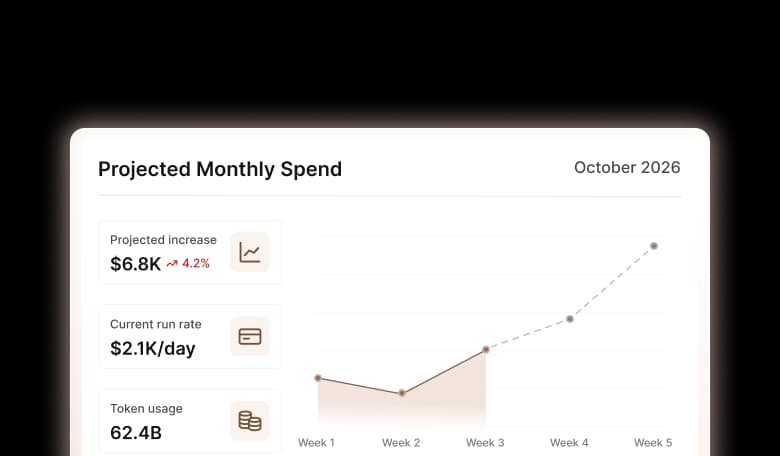
A month-end forecast
Projected spend for the month based on your run rate, so you can act mid-month instead of after the bill.
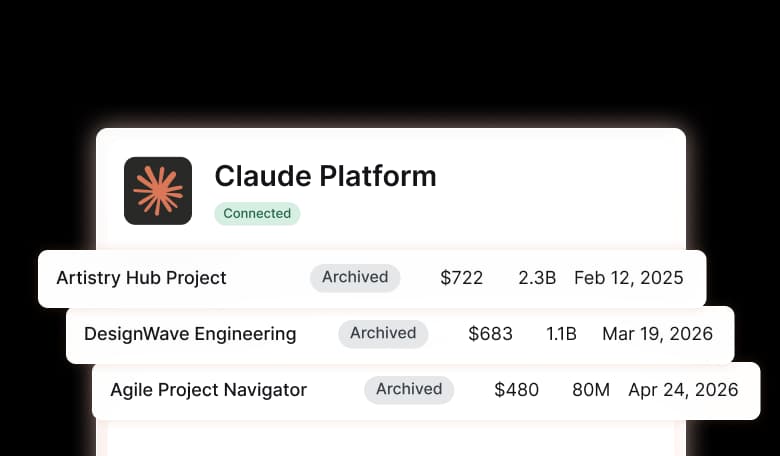
History that stays
When a key, project or user is deleted at the provider, AppVentory archives it and keeps its spend history.
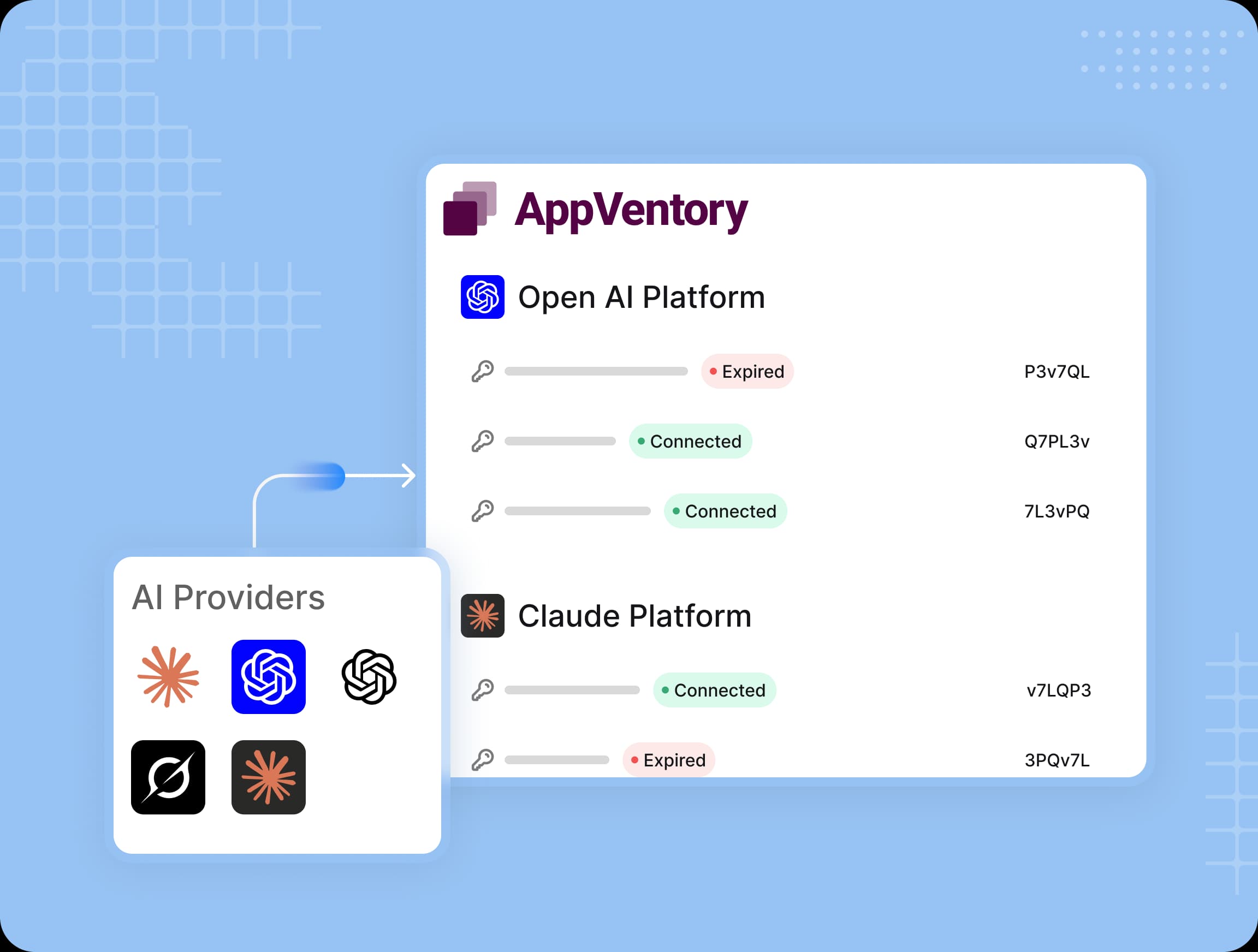
Up and running in three steps
Create an admin API key in OpenAI or Claude and paste it in. Step-by-step instructions are built in, and you can add more than one key per provider.
It reads your AI usage. It never touches your AI traffic.
AppVentory is SOC 2 certified, and it's built so connecting it changes nothing about how your apps use AI.
Read our security overview
Not in the request path
Your apps keep talking to OpenAI and Claude directly. No proxy, no added latency.

Nothing created or deleted
AppVentory never creates, edits or deletes keys, projects or users at the provider.


Your key stays protected
It’s encrypted and redacted. Revoke it at the provider or disconnect it in AppVentory anytime.

Alerts, not shutdowns
Limits are soft. Your team is notified when spend crosses a threshold, and work continues.
Works with the AI platforms your team uses







$12.6M
Software savings identified across advisor practices
94%
Of clients have unused licenses discovered within 48hrs
8x
Faster advisory delivery vs manual stack reviews
0 hrs
First client insight within minutes of setting up


AppVentory gives us confidence and control over software spend. We can clearly see which apps are being used, what they cost, and where we’re wasting money.
Helen Rogers
Strategic Finance Operations Partner